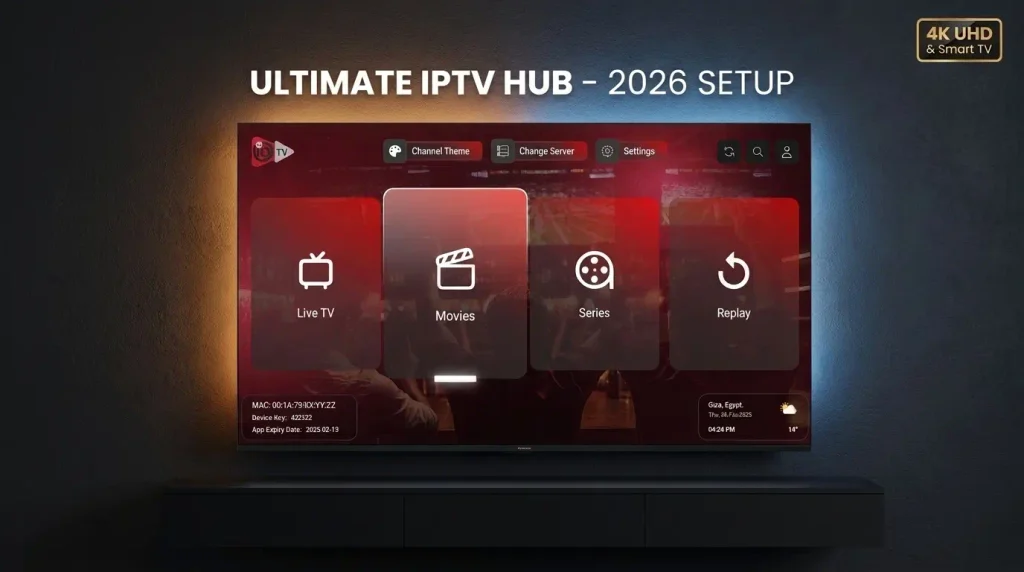
Welcome to Ultimate IPTV Hub Seamless IPTV Subscription on Any Device
Discover the easiest way to compare every IPTV Subscription, explore premium channels, and set up your screens. Ultimate IPTV Hub makes choosing an IPTV Subscription simple with beginner-friendly support, so your IPTV Subscription is ready in minutes.
Quick IPTV Subscription Setup
Get your IPTV Subscription working in minutes with our simple three-step process.
Choose your IPTV plan
24 Hours
Free Trial
Test all premium channels, stability, and speed on your device for free.
- 1 simultaneous connection
- Available international live TV categories
- Movies, series, sports & news categories
- HD / Full HD / 4K channels
- Firestick, Smart TV, Android & iOS
- Instant setup assistance
- No payment required
- Device compatibility check
1 Month
Best for testing the IPTV service for 30 days before choosing a longer plan.
- 1 simultaneous connection
- Available international live TV categories
- Movies, series, sports, news and kids categories where available
- HD / Full HD / 4K where available
- Firestick, Smart TV, Android and iOS support
- Setup guidance before setup
- Support confirmation before ordering
- Support for compatible IPTV apps
3 Months
Better value
Good option for regular viewers who already tested compatibility.
- 1 simultaneous connection
- Available international live TV categories
- Movies, series, sports, news and kids categories where available
- HD / Full HD / 4K where available
- Firestick, Smart TV, Android and iOS support
- Priority setup support
- Support confirmation before ordering
- Guided setup assistance
6 Months
Popular balance
Best balance between price and flexibility after device testing.
- 1 simultaneous connection
- Available international live TV categories
- Movies, series, sports, news and kids categories where available
- HD / Full HD / 4K where available
- Firestick, Smart TV, Android and iOS support
- Priority support
- Free setup guidance
- Recommended after device check
12 Months
Lowest monthly rate
Lowest monthly rate for long-term users who already confirmed setup.
- 1 simultaneous connection
- Available international live TV categories
- Movies, series, sports, news and kids categories where available
- HD / Full HD / 4K where available
- Firestick, Smart TV, Android and iOS support
- Priority support
- Free setup guidance
- Device check available before order
Stream Seamlessly on Your Favorite Devices
Ultimate IPTV Hub is compatible with a wide range of platforms. Enjoy your favorite IPTV channels anywhere, anytime in stunning 4K quality.
Why Choose Ultimate IPTV Hub For Your Next IPTV Subscription
Ultimate IPTV Hub helps you compare the best IPTV subscription options, review channel categories, check device compatibility, and contact support from one clean website before you start streaming.
Premium Channel Categories
Make sure your IPTV subscription includes the best live TV, sports, movies, series, news, and family content, fully organized for easy viewing.
View Channel Categories →Device Setup Guidance
Set up your new IPTV subscription seamlessly on compatible devices, including Firestick, Smart TV, Android TV, iPhone, iPad, MAG, Windows, and Mac.
Read Setup Guide →Dedicated Support
Ask plan questions, device questions, and get order confirmation help before choosing the IPTV subscription that perfectly fits your entertainment needs.
Choose Your Plan →What Our Subscribers Say
Real chats with our community. Drag or hover to pause.
Frequently Asked Questions About Our IPTV Service Everything you need to know about your subscription, setup, and streaming
Ultimate IPTV Hub answers common questions about our IPTV service, including free trials, 4K streaming, device support, reseller access, buffering, and how to choose the right setup before you start watching.
Need Help with Your IPTV service?
Send us your device model, preferred app, internet speed, and number of screens you want to use. Our IPTV service support team can guide you toward the best setup path.
What is an IPTV service?
IPTV stands for Internet Protocol Television. An IPTV service allows you to watch TV channels, movies, series, sports, and other entertainment through an internet connection instead of traditional cable or satellite. A reliable provider like Ultimate IPTV Hub helps users understand compatible devices and modern streaming setups.
Can I get a free trial before purchasing?
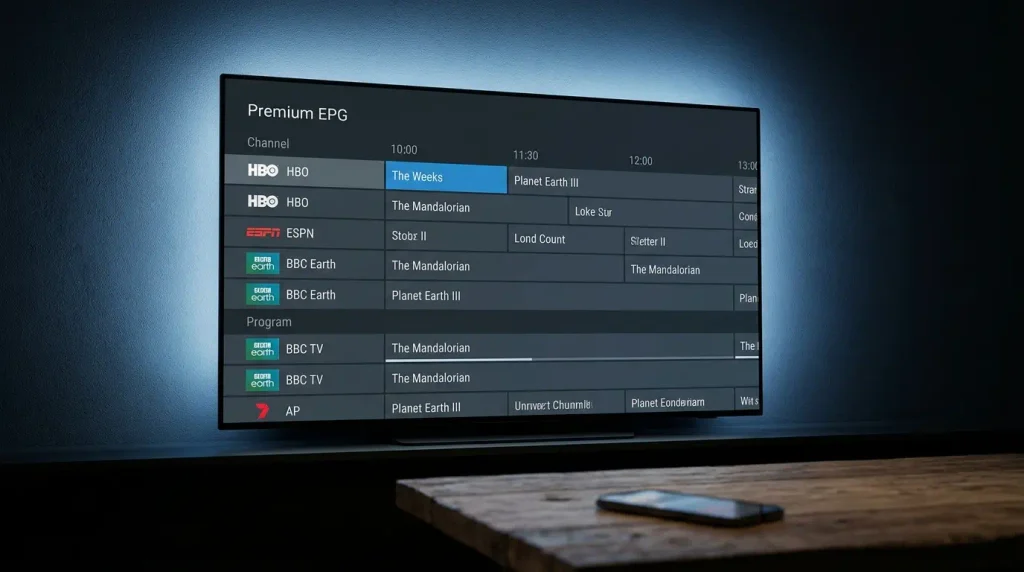
Yes. An IPTV service free trial can help you test picture quality, channel loading speed, app compatibility, EPG behavior, and device performance before choosing a paid plan. For the best result, test it on the same device and internet connection you plan to use later.
Is IPTV legal in the USA and Canada?
The IPTV service technology itself is legal, but legality depends on the content source, licensing, provider practices, and local laws. Users should always choose a provider responsibly, review the terms, and make sure their use complies with the rules in their country or region.
Can I watch on multiple devices at the same time?
Multi-device access depends on the IPTV service subscription plan you choose. Some are made for one screen, while others support multiple screens at the same time. If you want to use your account on a Smart TV, Firestick, tablet, and phone simultaneously, choose a plan that includes enough connections.
What internet speed do I need for 4K streaming?
For smooth 4K viewing through an IPTV service, a strong and stable connection is recommended. Around 25 Mbps or more is usually preferred for UHD content, while HD streaming can often work with lower speeds. For better stability, use Ethernet when possible and avoid overloaded networks during live events.
What makes Ultimate IPTV Hub a top choice?
Ultimate IPTV Hub focuses on clear IPTV service plan guidance, device setup help, app support, and quick assistance for common devices. Our goal is to make modern broadcasting simple, organized, and stress-free to set up.
How do I become a reseller?
Reseller access is designed for users who want to manage customers, activate subscriptions, and build their own digital business. Contact our support team to ask about reseller options, pricing structure, and panel access.
Why does my stream sometimes buffer?
IPTV service buffering can happen because of slow internet, weak Wi-Fi, overloaded networks, app issues, device limitations, or temporary server congestion. To improve performance, restart your device and use an Ethernet cable if possible.